 首页
首页  网站论坛圈子
 每日快讯New
 游戏下载
游戏下载




本游戏玩法总结
本页整理《班迪:孤狼 Bendy: Lone Wolf免安装绿色版》的单机游戏下载信息,安装方式、版本内容及相关说明以页面资源为准。
如果从游玩类型来区分,《班迪:孤狼 Bendy: Lone Wolf免安装绿色版》整体会更靠近动作冒险方向,重点通常落在操作手感、区域探索和阶段性内容推进上。平时会找动作类单机、冒险闯关游戏或探索战斗作品的玩家,往往也会关注这类资源。 另外,本作也具备恐怖惊悚氛围,压迫感、探索紧张度和环境代入通常会更明显。
关于此游戏

Bendy: Lone Wolf® tests your ability to survive against ever increasing odds. Monsters and obstacles emerge from every direction as you journey into the rubberhose halls of the world’s most evil animation studio, set during the events of Bendy and the Dark Revival®. Every day is a challenge.

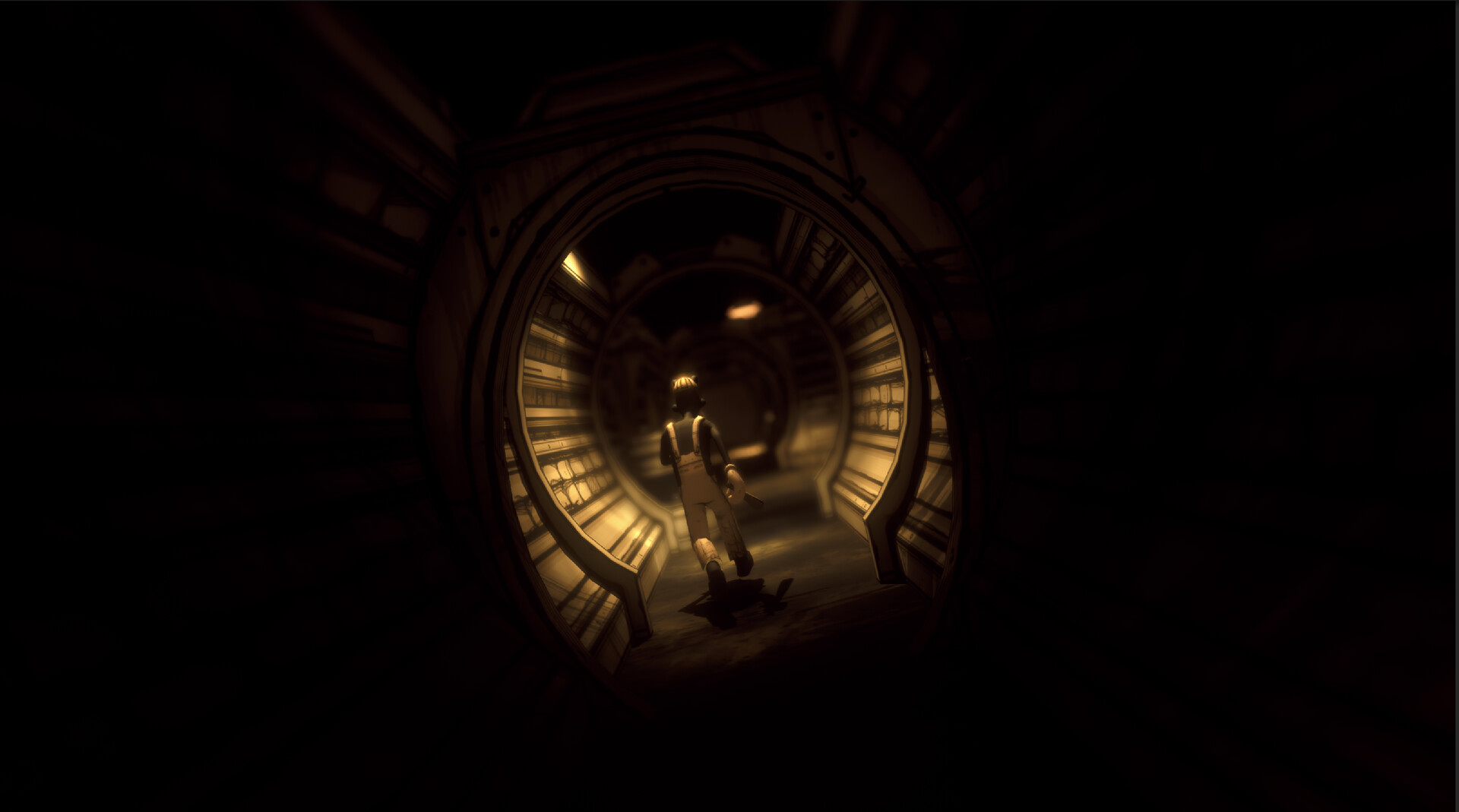
Become Boris as he ventures deep into the endlessly generated corridors of Joey Drew Studios and beyond in search of supplies, weapons, and the dark truths that await him. The secrets of the machine are hiding around every corner.

The cartoon creeps of the Dark Puddles are unleashed to stop Boris in his horrific quest. Battle them back with well-timed attacks and the clever use of dangerous traps. Smash them back into the shadows before they drag Boris away.

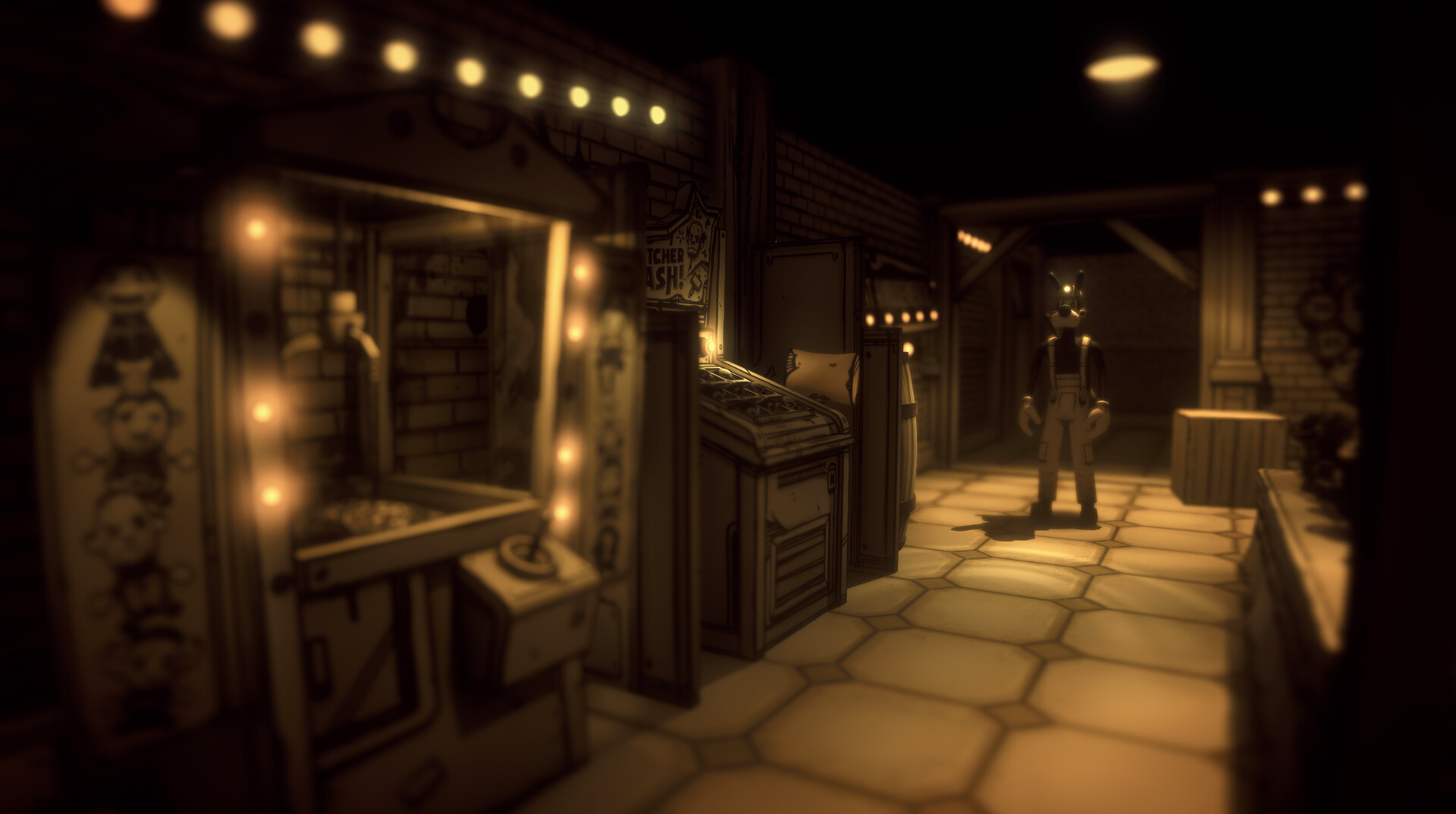
The Ink Demon stalks Boris at every turn. Nowhere is safe from his reach. Run and hide in this pulse-pounding game of cat and mouse. Stay out of sight when your hear the beating of his ink heart.
游戏介绍
《班迪:孤狼》是一款俯视角生存恐怖类 Roguelike 游戏。玩家扮演 Boris,深入 Joey Drew Studios 橡胶风格动画工作室不断变化的走廊中,寻找补给、武器,以及隐藏在角落的黑暗真相。过程中会遭遇“Dark Puddles”(暗墨生物)和“Ink Demon”(墨水恶魔),玩家必须通过精准攻击与智能布局陷阱将其击退或躲避生存。
游戏视频
游戏截图
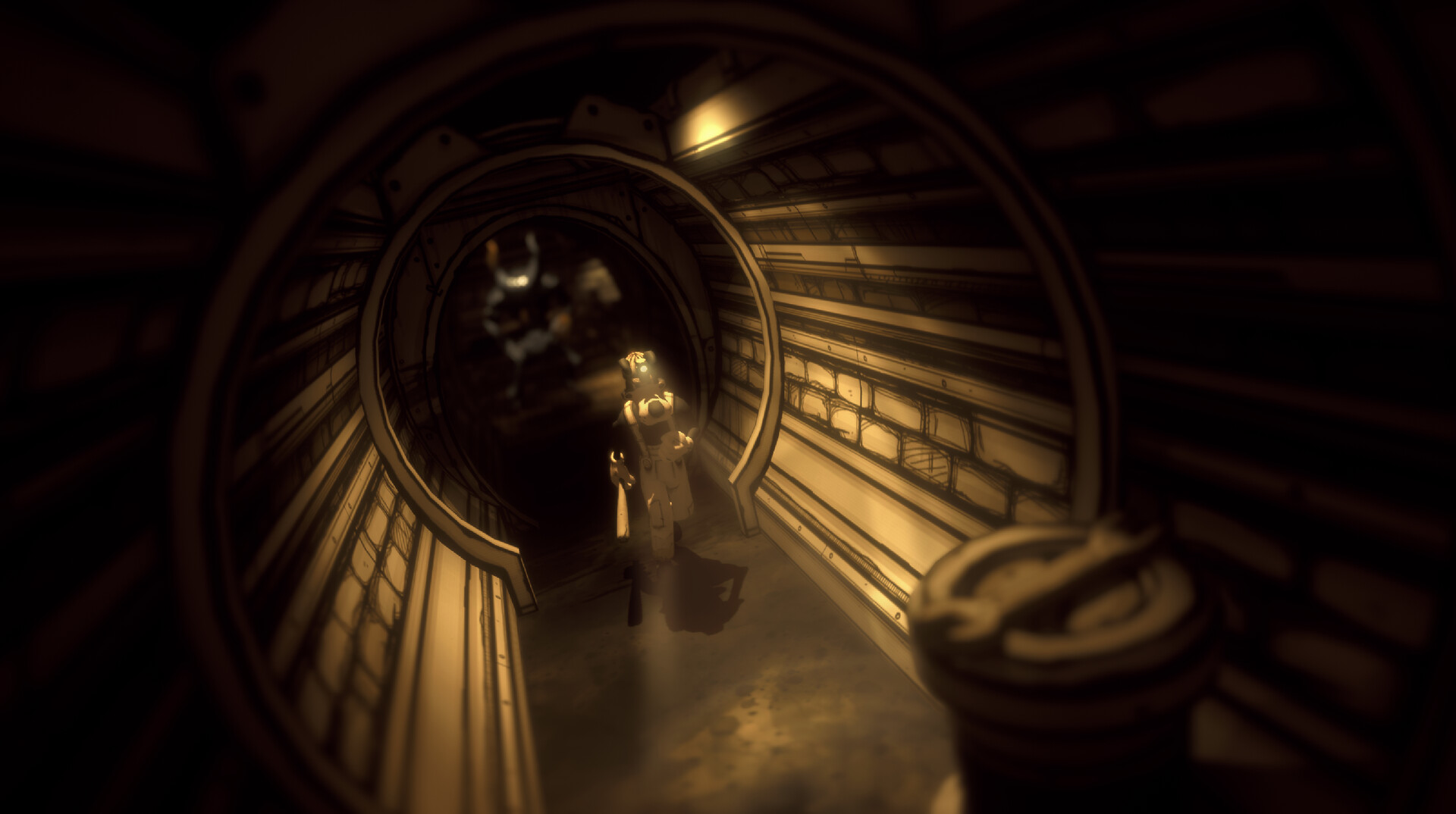
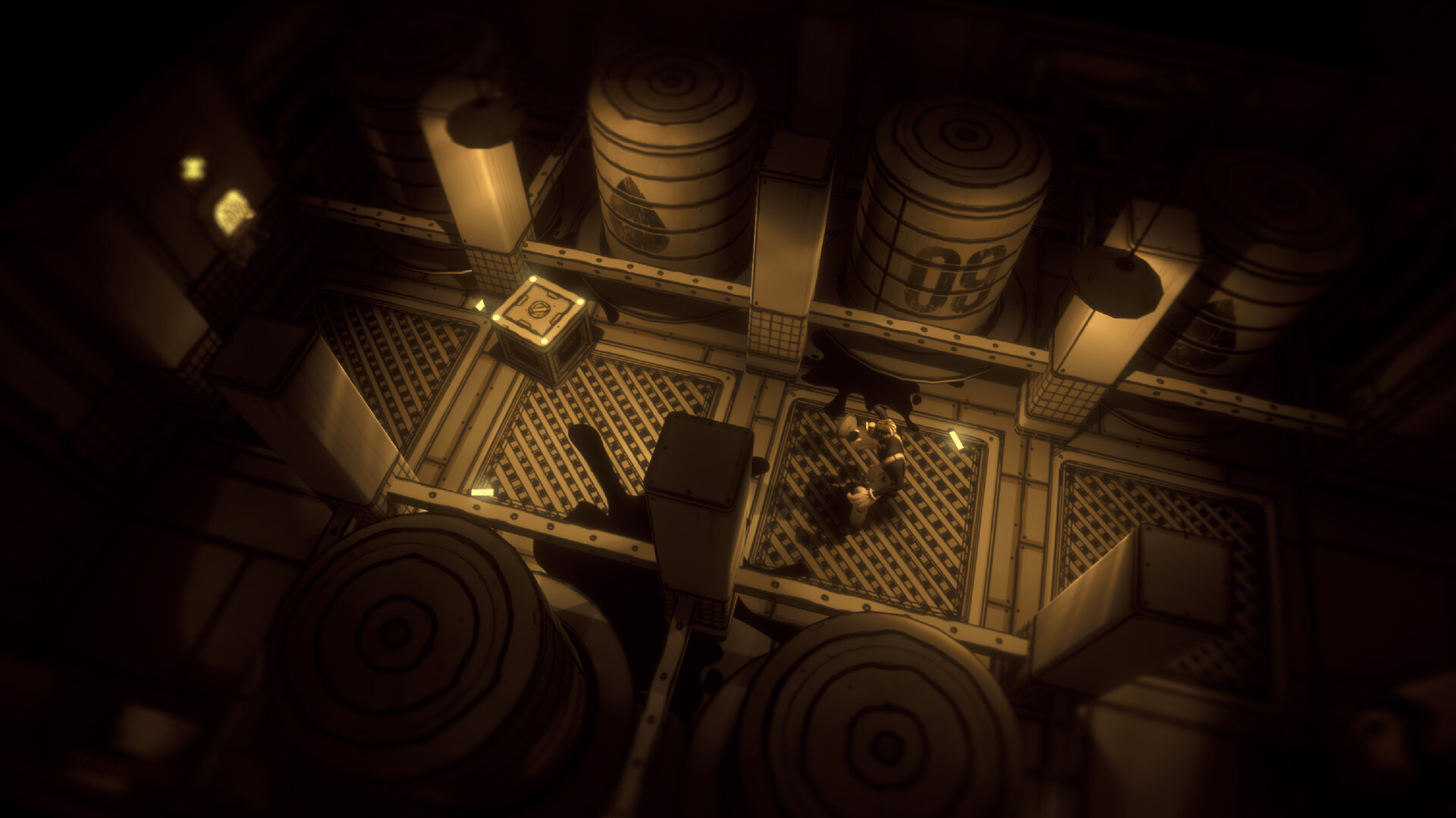
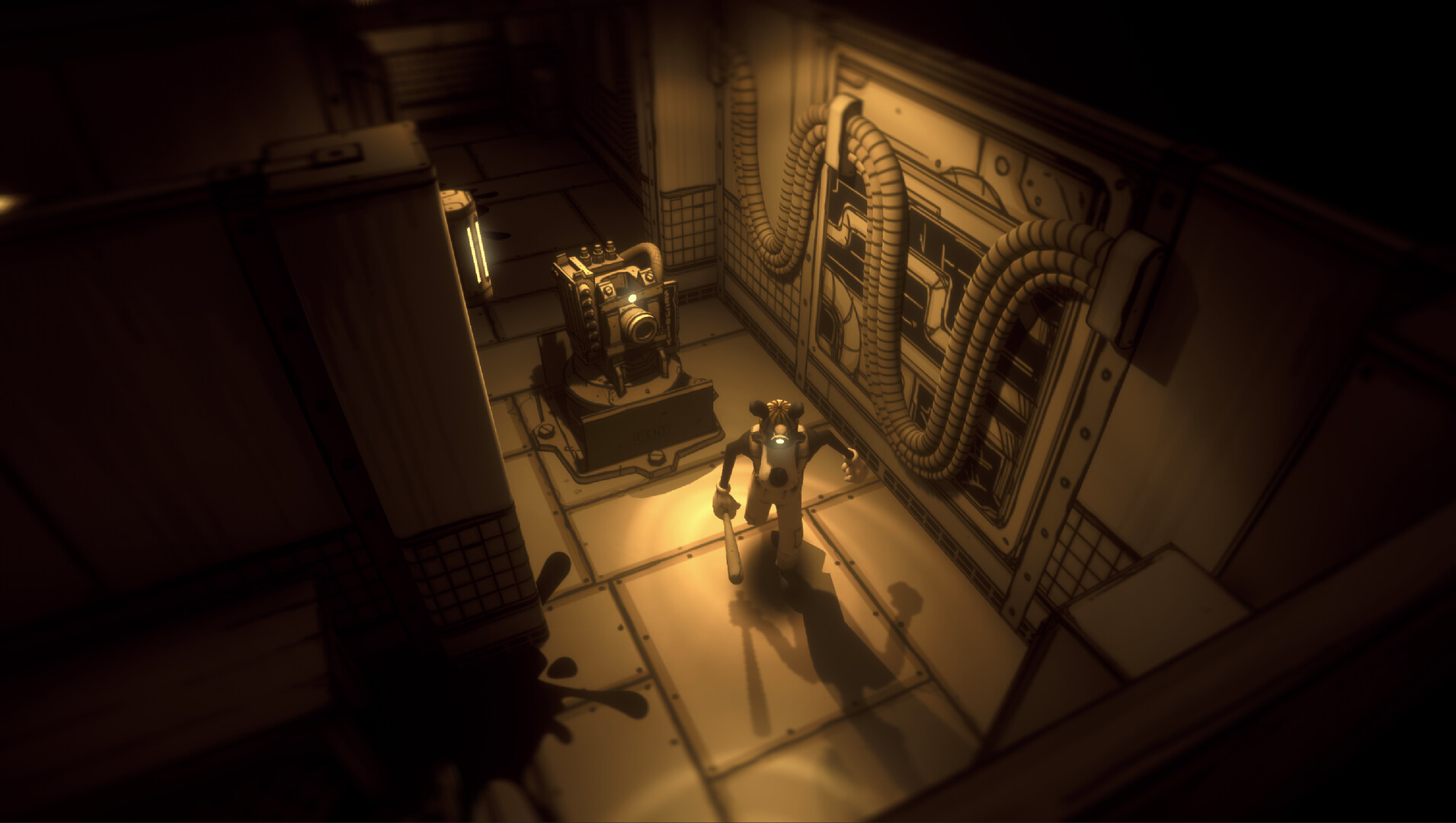
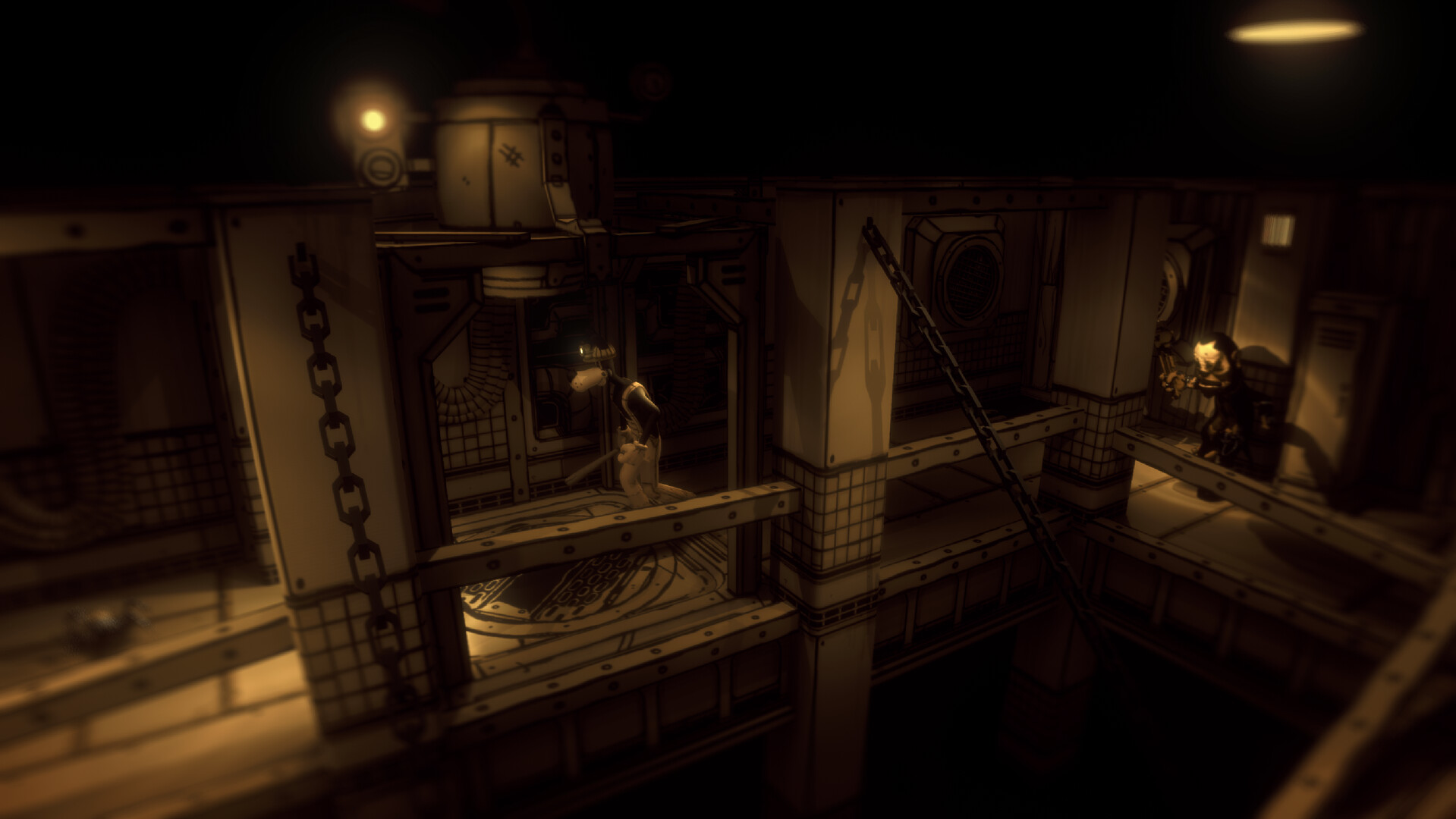
游戏版本信息
Build.19612426|容量1.92GB|官方简体中文|支持键盘.鼠标.手柄
资源安装前先看
下载《班迪:孤狼 Bendy: Lone Wolf免安装绿色版》这类资源后,建议先检查压缩包是否齐全,再使用常见解压工具统一释放到本地目录。尽量不要直接在压缩包内部打开游戏程序,解压位置也建议放在磁盘空间充足、路径较短且使用英文命名的文件夹中,这样通常能减少权限、路径长度或文件缺失带来的启动问题、切记检查解压过程中是否有杀毒软件拦截、如果你对解压流程不熟悉,可以先参考 游戏手动解压安装教程。
启动异常排查
如果《班迪:孤狼 Bendy: Lone Wolf免安装绿色版》解压后打不开,通常可以先排查安全软件拦截、运行库缺失、驱动版本过旧、系统环境不匹配,或者是否直接从压缩包中启动了程序。部分单机作品首次运行时,也可以尝试右键用管理员权限启动主程序。如果页面提示缺少组件、dll 报错或环境异常,也可以先参考 游戏常用运行库合集 补全常见运行环境。
补充说明
进入游戏后如果遇到黑屏、闪退、报错、无响应、缺少 dll、手柄识别异常、无声音或存档问题,多数情况仍然和系统环境、运行组件、驱动版本、解压完整度或目录权限有关。围绕《班迪:孤狼 Bendy: Lone Wolf免安装绿色版》,用户通常也会继续查找中文版、免安装版、配置信息、中文设置、解压方法和闪退处理等内容。
如果你还需要配合修改器使用,也可以看看 WeMod 超8000+单机游戏最新修改器 的相关说明。
出现黑屏、闪退、组件缺失或主程序无响应时,先排查运行环境和安全软件拦截,往往比反复重下更有效。