 首页
首页  网站论坛圈子
 每日快讯New
 游戏下载
游戏下载




本游戏玩法总结
本页整理《桥梁工程师 Bridge Constructor免安装绿色版》的单机游戏下载信息,安装方式、版本内容及相关说明以页面资源为准。
《桥梁工程师 Bridge Constructor免安装绿色版》更偏向模拟经营与持续规划,常见内容会围绕资源调度、设施安排、发展节奏和长期养成来展开。喜欢建造布局、经营成长和管理路线类单机作品的玩家,通常会更容易进入这类题材的游玩节奏。 另外,本作也带有休闲益智方向,整体会更强调轻松节奏、低门槛和持续解锁。
关于此游戏
Become an appraised bridge engineer and architect in Bridge Constructor. Create and design your own constructions and watch the cars and trucks pass over them – or see them fall and crash while your inferior creations collapse due to weight and the laws of physics!
Progress through numerous levels and build bridges over deep valleys, canals, or rivers. Stress tests reveal whether the bridge you build can withstand the daily stress of continual use from cars and trucks.
Choose between a range of materials for each individual bridge, such as wood, steel, cables, or concrete pillars. Use the appropriate materials and stay within budget to build the perfect bridge. The choice of materials enables you to build each bridge in almost infinite variety – your budget is the only limit.
So, get on the drawing board and set your imagination and creativity free!
The Steam version also includes SlopeMania, a fully sized Add-On to the original game, bringing more levels, features, a new setting and much more.
Key Features
- 64 Levels
- 6 Settings: City, Canyon, Beach, Mountains, Hills, Grotto
- Option to build sloping roads
- Map with all unlocked worlds/levels
- 4 different building materials: Wood, Steel, Cables, Concrete pillars
- Color coded load indicator for different building materials
- Three different load bearing levels: Car, Truck and Tank Truck
- High score per level
- Steam achievements & Leaderboards
游戏介绍
《桥梁工程师》是一款趣味的物理游戏,要求玩家建设有一定工作量的铁路轨道梁桥,让火车安全地穿过山谷。 在游戏中,玩家利用手上有限的资金来规划桥梁的建设,既要保证桥梁的坚固,又要很好的控制成本,只有做到很好的规划,才能满足这些要求。游戏中有多种建筑材料供我们使用,每种材料都有其特殊的性质以及价格,我们要合理的利用。
游戏视频
游戏截图
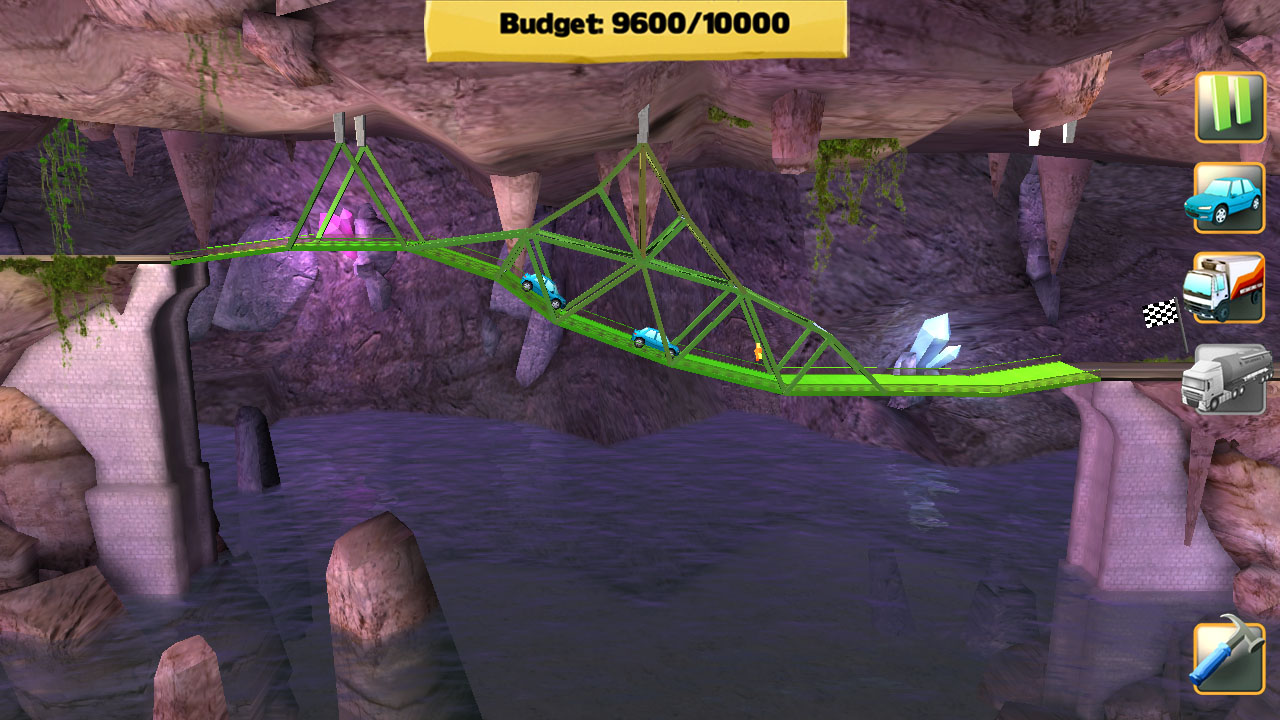
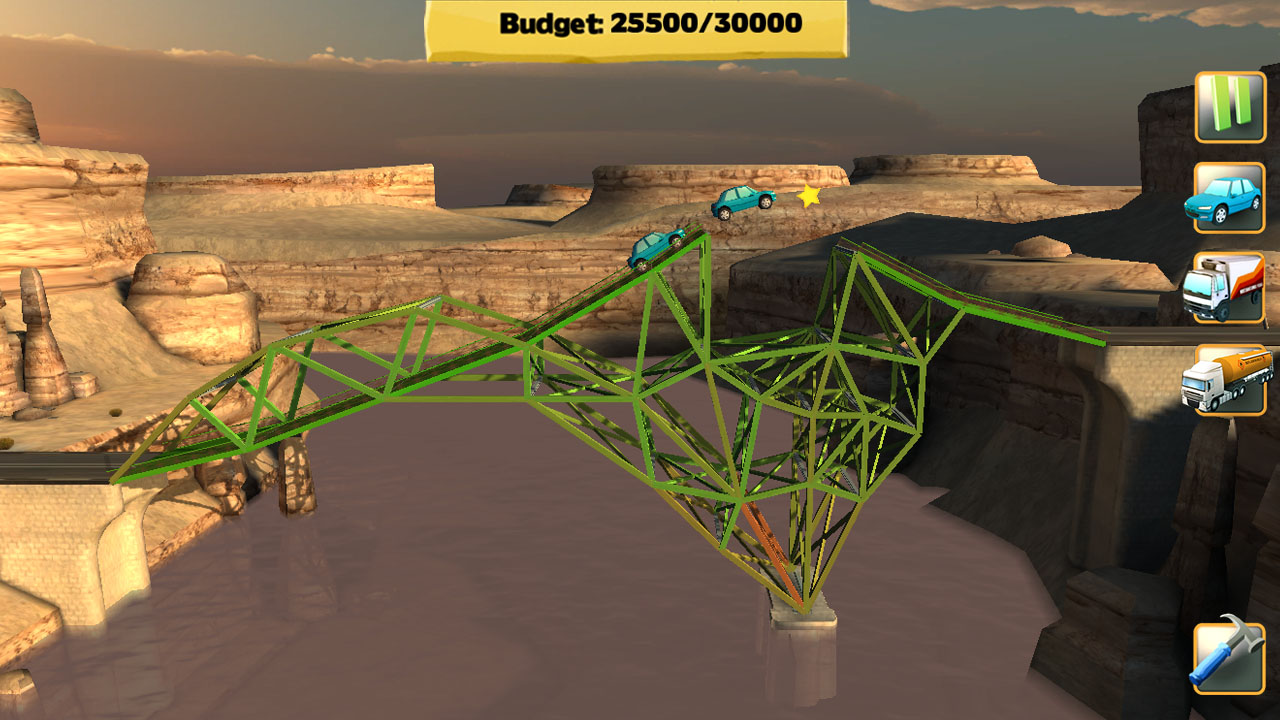
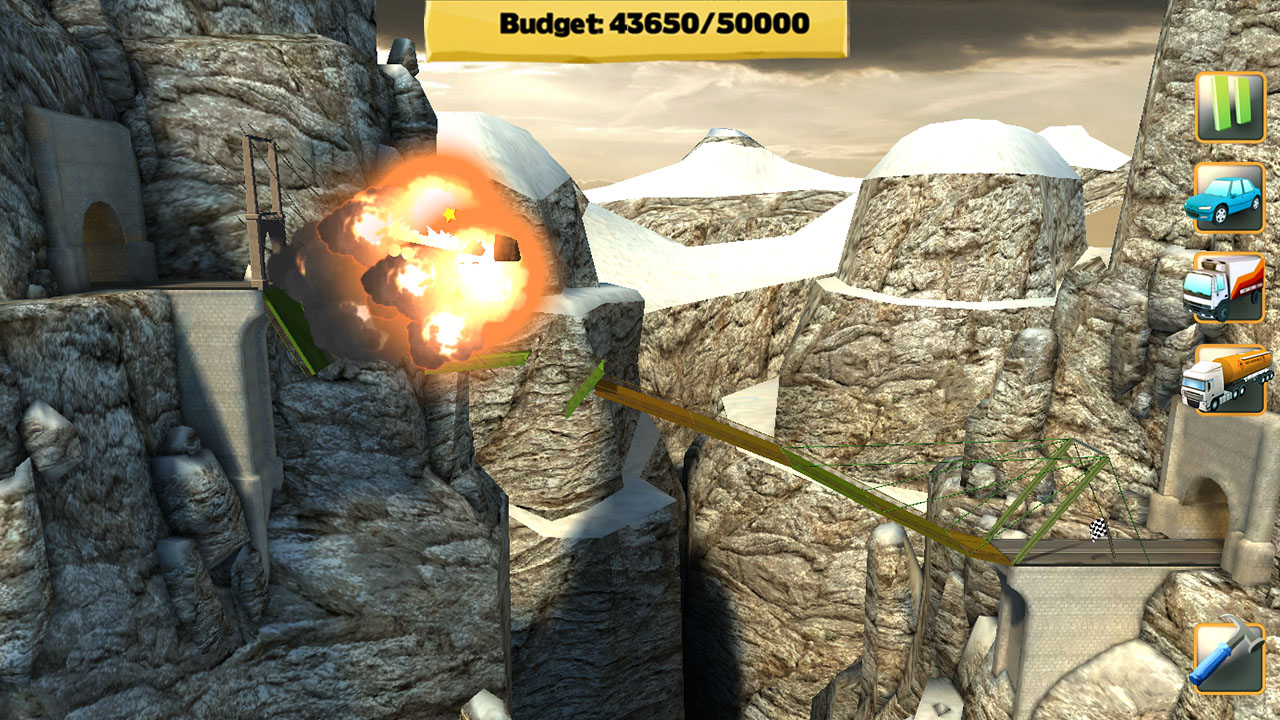
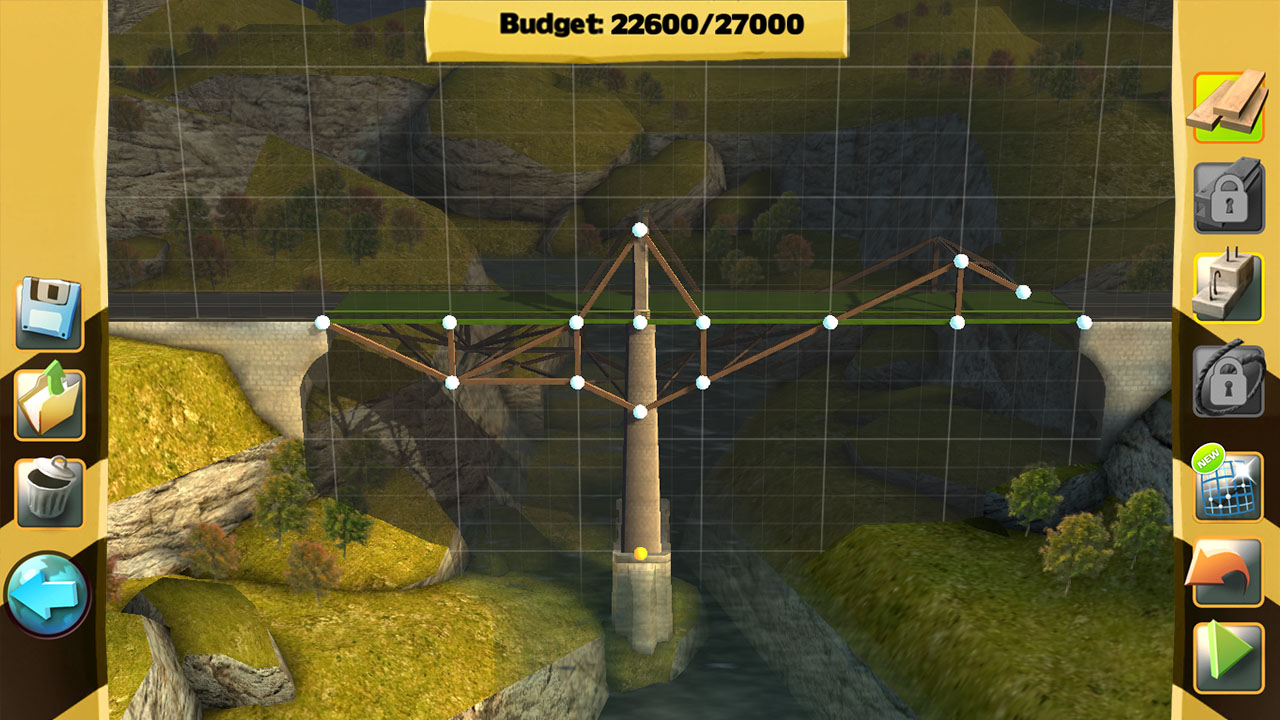
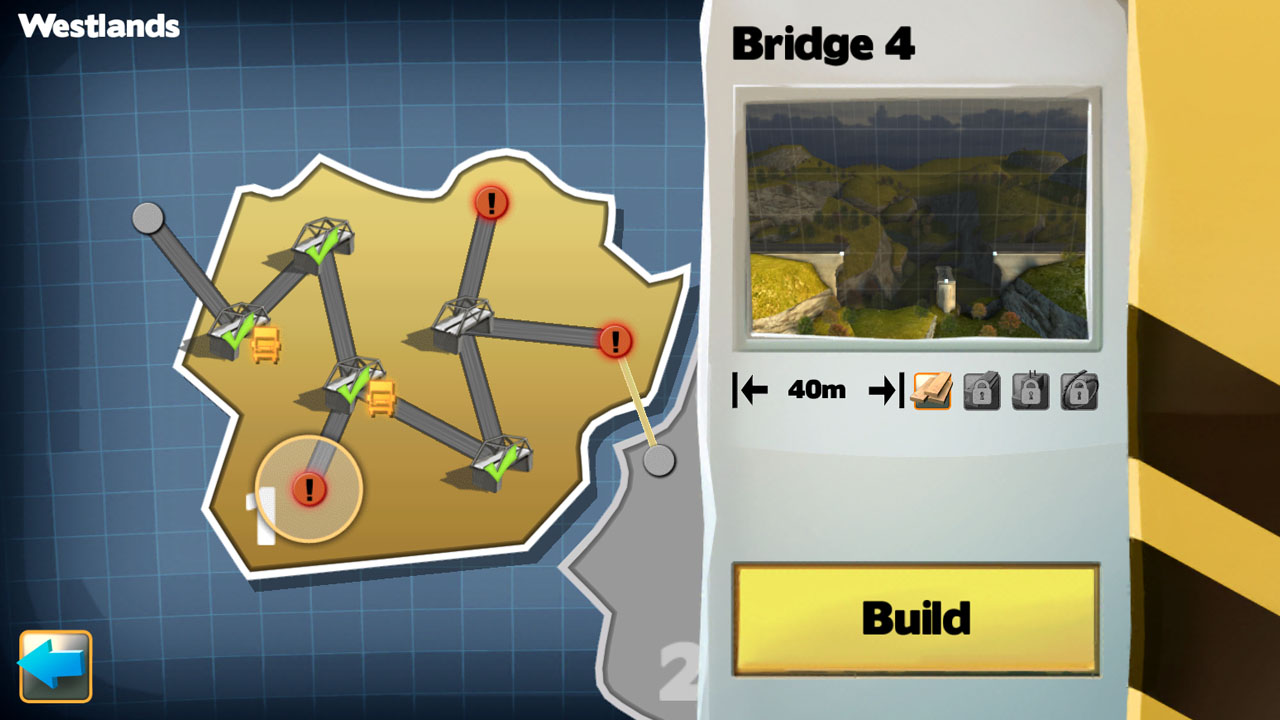

游戏版本信息
Build.20272564|容量261MB|官方简体中文|支持键盘.鼠标.手柄
资源安装前先看
下载《桥梁工程师 Bridge Constructor免安装绿色版》这类资源后,建议先检查压缩包是否齐全,再使用常见解压工具统一释放到本地目录。尽量不要直接在压缩包内部打开游戏程序,解压位置也建议放在磁盘空间充足、路径较短且使用英文命名的文件夹中,这样通常能减少权限、路径长度或文件缺失带来的启动问题、切记检查解压过程中是否有杀毒软件拦截、如果你对解压流程不熟悉,可以先参考 游戏手动解压安装教程。
启动异常排查
如果《桥梁工程师 Bridge Constructor免安装绿色版》解压后打不开,通常可以先排查安全软件拦截、运行库缺失、驱动版本过旧、系统环境不匹配,或者是否直接从压缩包中启动了程序。部分单机作品首次运行时,也可以尝试右键用管理员权限启动主程序。如果页面提示缺少组件、dll 报错或环境异常,也可以先参考 游戏常用运行库合集 补全常见运行环境。
补充说明
进入游戏后如果遇到黑屏、闪退、报错、无响应、缺少 dll、手柄识别异常、无声音或存档问题,多数情况仍然和系统环境、运行组件、驱动版本、解压完整度或目录权限有关。围绕《桥梁工程师 Bridge Constructor免安装绿色版》,用户通常也会继续查找中文版、免安装版、配置信息、中文设置、解压方法和闪退处理等内容。
如果你还需要配合修改器使用,也可以看看 WeMod 超8000+单机游戏最新修改器 的相关说明。
第一次处理这类游戏资源时,优先确认压缩包数量、解压完整度和目录权限,通常能先排掉一批常见启动问题。