 首页
首页  网站论坛圈子
 每日快讯New
 游戏下载
游戏下载

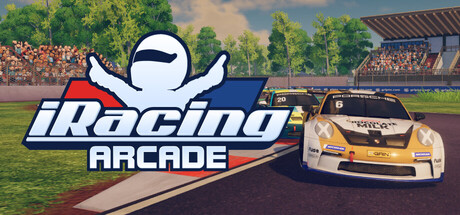


本游戏玩法总结
围绕《iRacing街机版 iRacing Arcade 联机版免安装绿色版》这类单机游戏资源,可结合玩法、配置需求和页面版本说明选择是否适合体验。
如果从游玩感受来分,《iRacing街机版 iRacing Arcade 联机版免安装绿色版》更靠近体育竞速方向,重点通常在操作反馈、赛事节奏、模式丰富度和可重复游玩性上。围绕本作,竞速单机、体育类资源和高操作反馈游戏也常会一起被搜索。 另外,这篇资源带有联机整合标签,通常也说明当前版本已经包含多人联机相关内容,完成基础安装后可按页面说明进入联机流程,更适合和朋友一起体验合作或多人玩法。
关于此游戏
iRacing Arcade is a third-person racer where your skills on and off the track shape your journey from grassroots racing to motorsport glory.

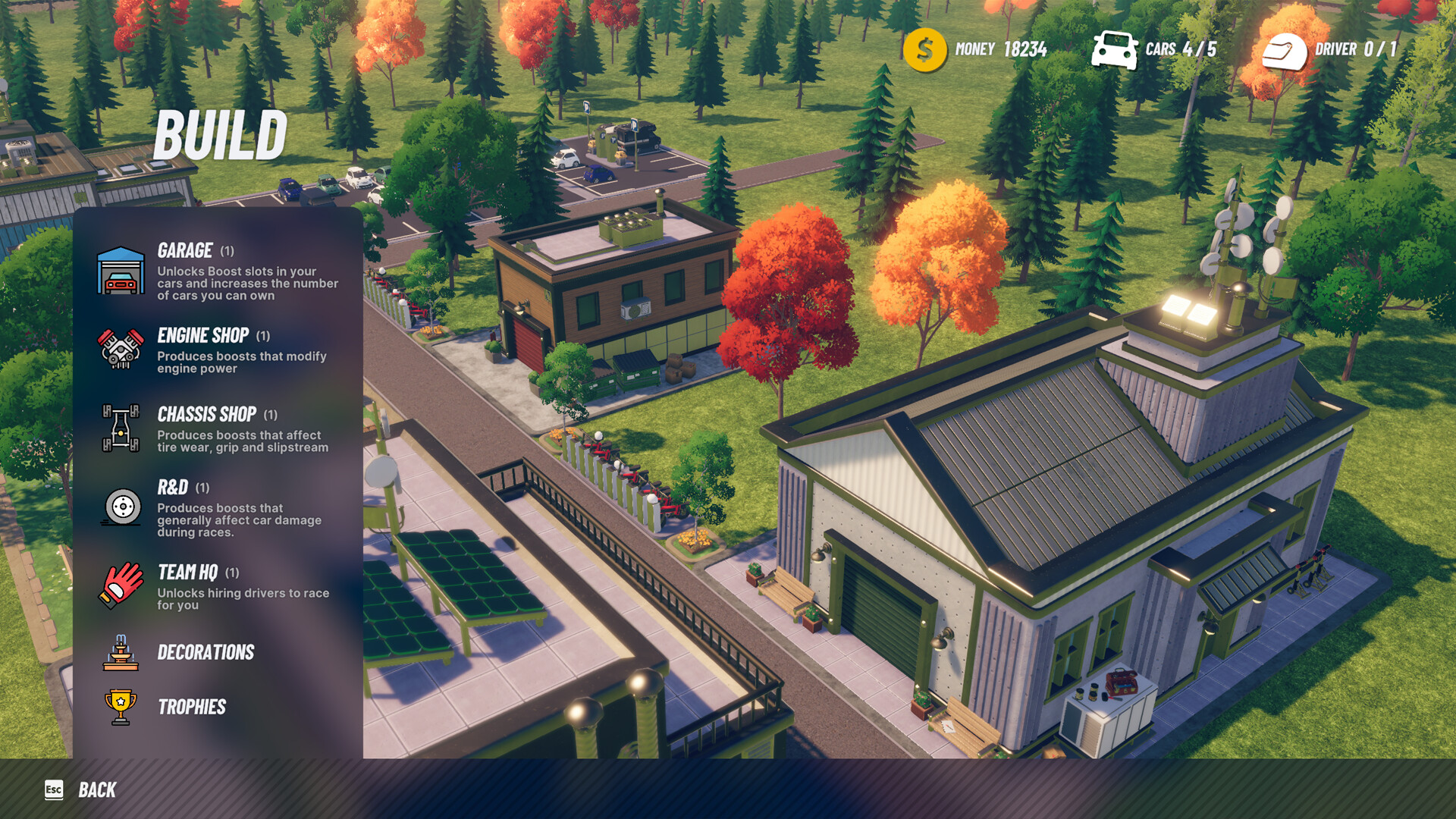
Compete in races to earn resources, then decide how to grow your team. Will you invest in buildings to unlock boosts that give you a crucial track advantage? Or will you focus on recruiting top-tier drivers to compete for you in licensed global series?
Every choice matters. Build your legacy, one race at a time!
Tactile Physics Model
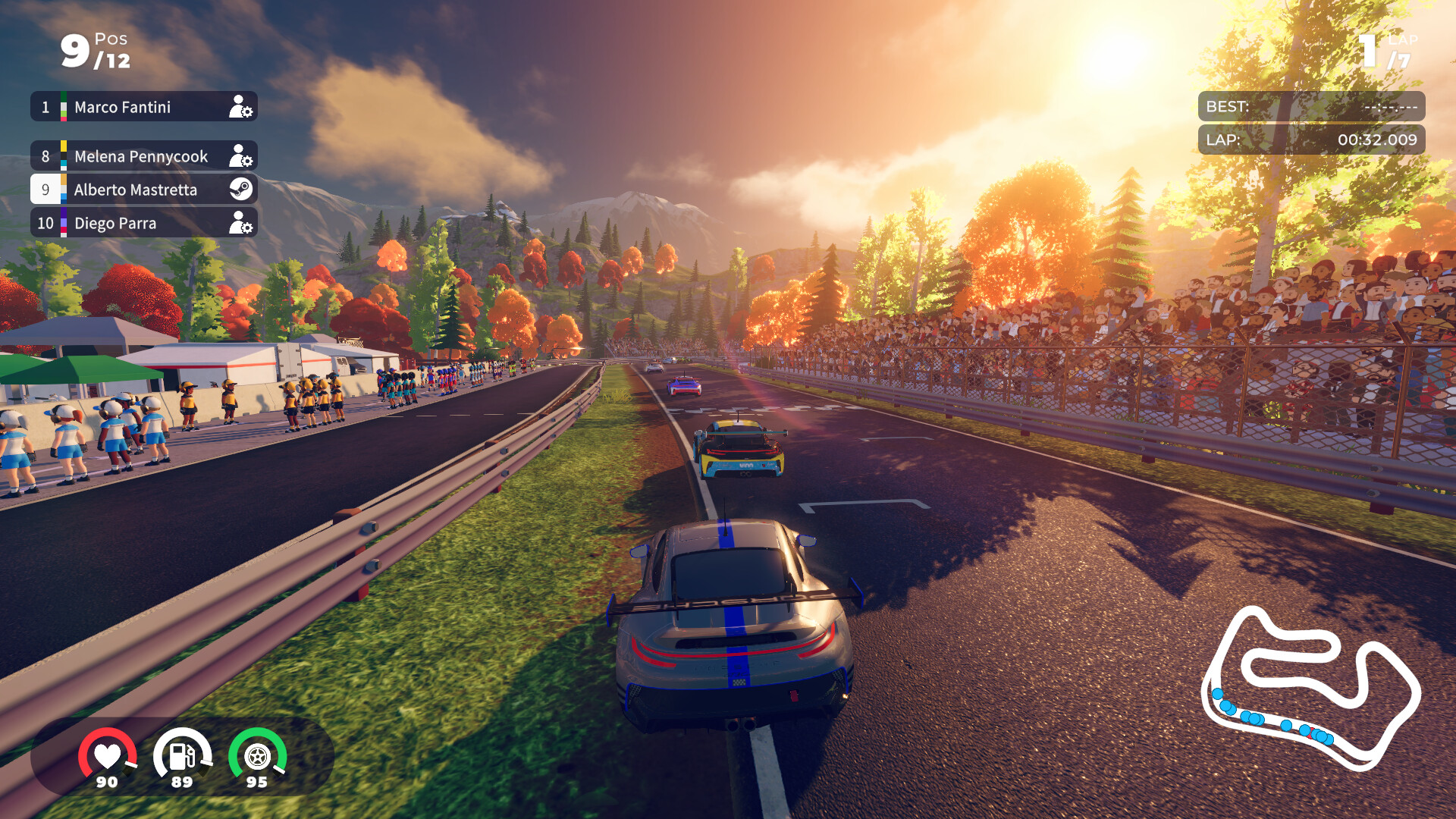
Race across multiple categories with a physics model that’s easy to learn yet endlessly rewarding, keeping you hooked as you chase the perfect lap.
Build a Motorsport Legacy
Compete in weekly events across licensed series to earn resources, then invest in buildings, new cars, skilled drivers, or customizations that showcase your team’s brand.
Race in Licensed Tracks & Series
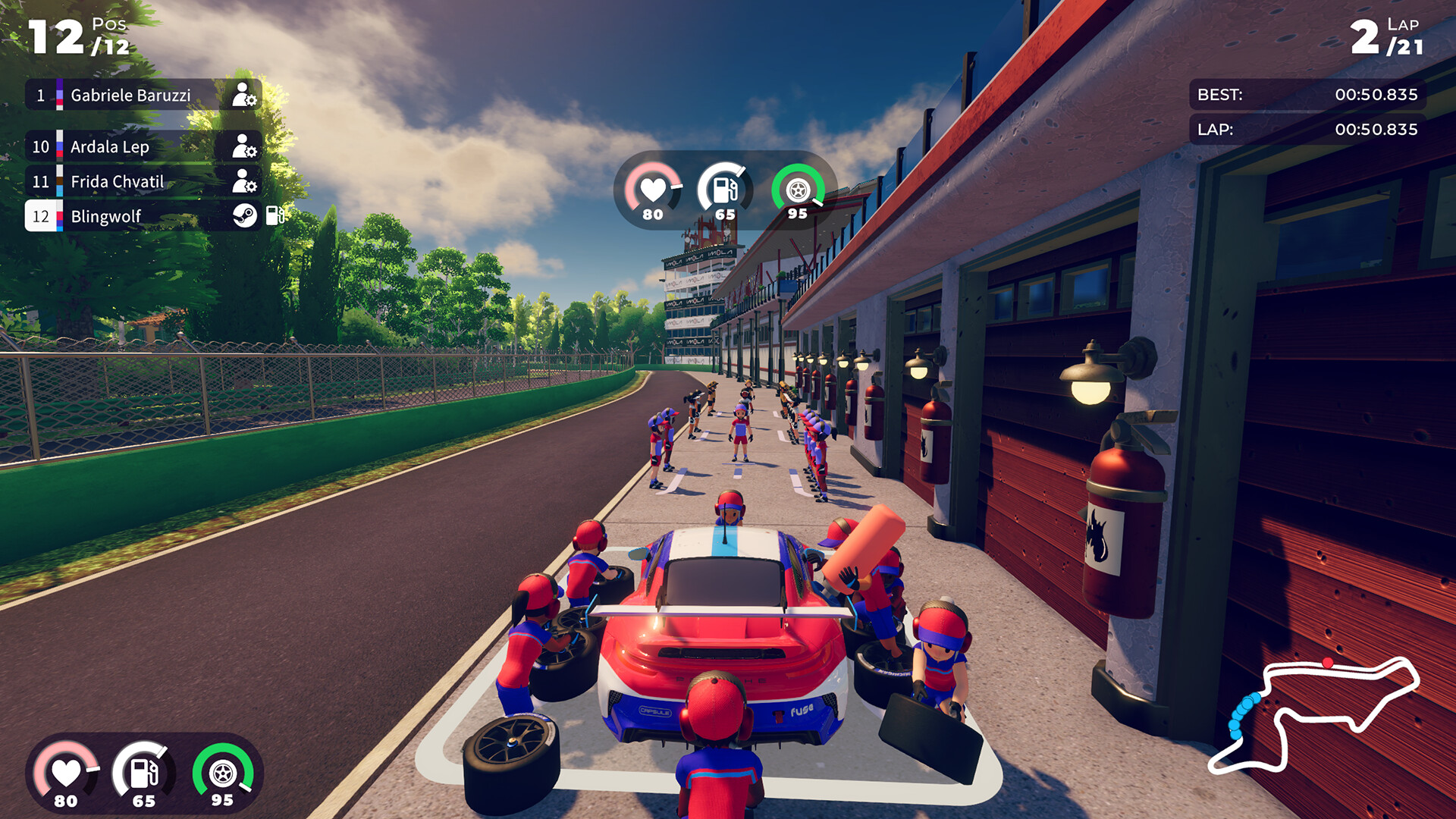
From the Porsche 911 GT3 Cup in Imola to the GTP at Mexico City’s legendary Hermanos Rodríguez Autodrome, iRacing Arcade lets you experience the vibrant world of motorsport with stylized recreations of licensed cars and tracks.
Compete in Online Races
Compete in online multiplayer with up to 11 competitors worldwide.
Leave your mark in Global Time Trials
Hone your racing line as you chase top times on the Global Leaderboards—or set the pace and let others chase you. With weekly rotations, the competition always stays fresh.
游戏介绍
在全球授权系列中比赛,并建立自己的赛车队,以确保您在这款第三人称街机赛车中的赛车运动遗产。
游戏视频
游戏截图
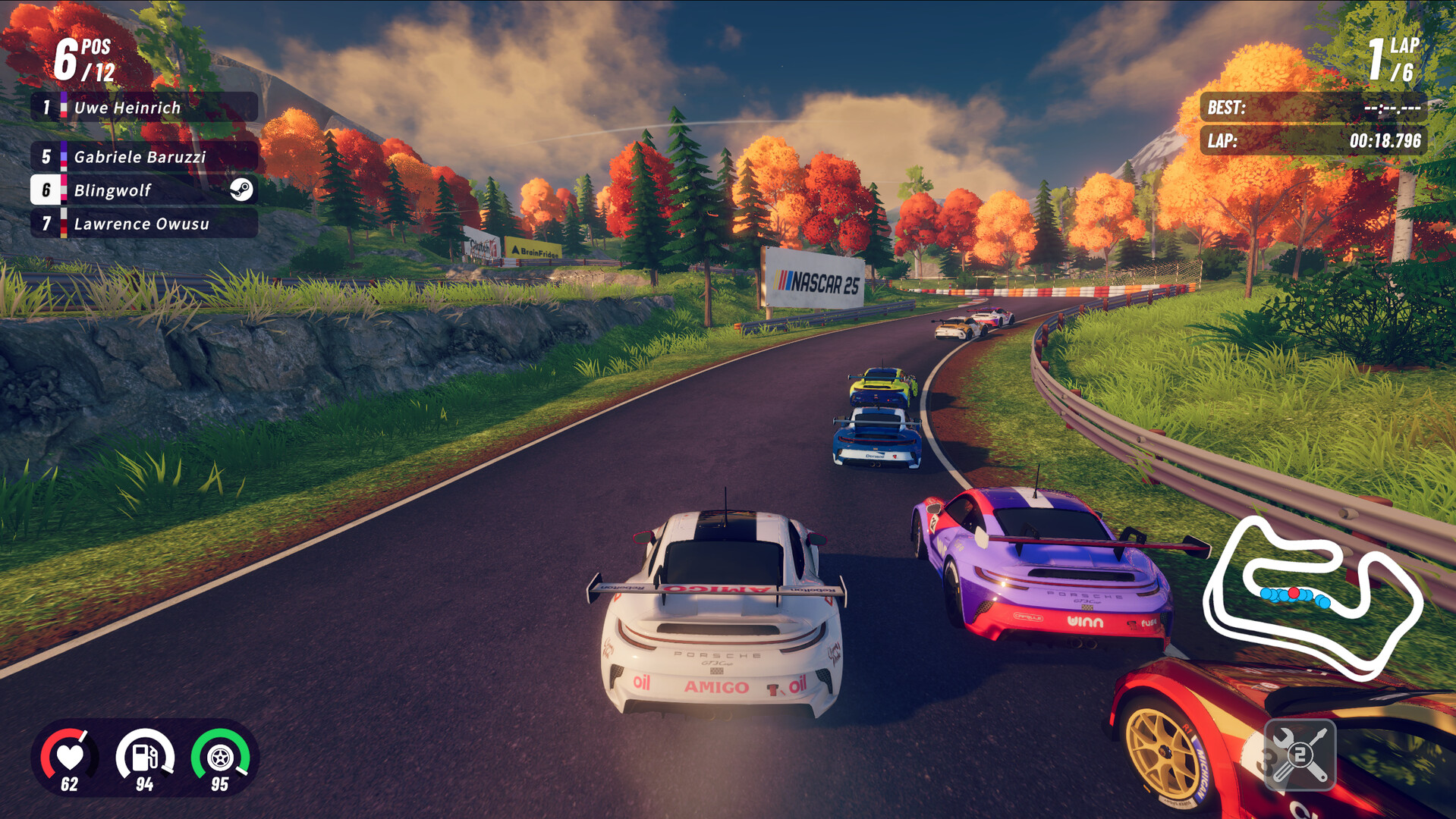
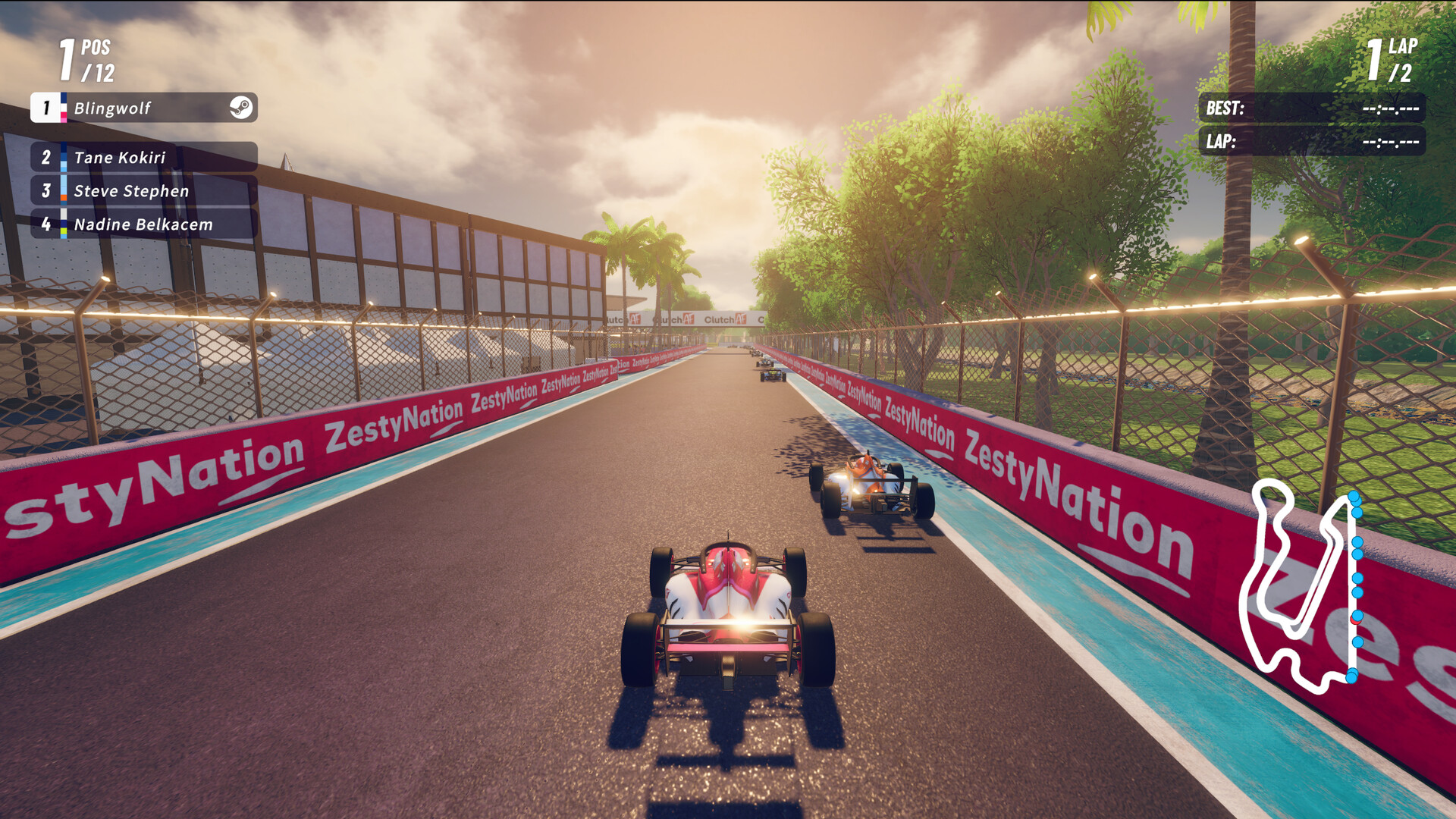
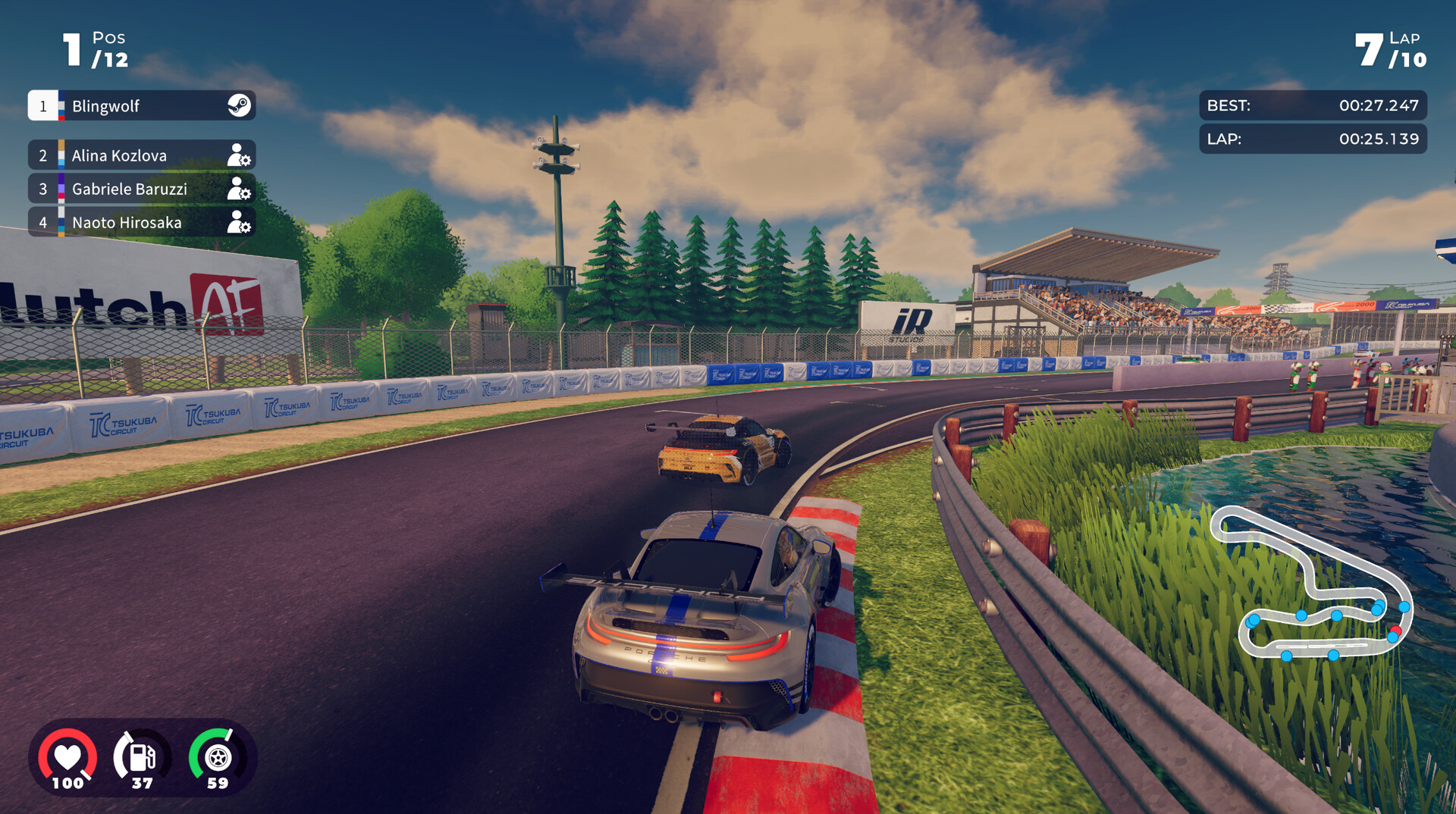
如何联机
如何启动:
1. 启动 Steam 并登录您的 Steam 账号。
2. 通过 iracing-arcade.exe 启动游戏。
游戏内:
连接:
多人游戏 → 加入大厅 → 输入大厅代码并连接服务器。
创建服务器:
多人游戏 → 创建自定义大厅 → 将大厅代码分享给您的朋友,等待他们连接。
游戏版本信息
Build.04032026联机版|容量2.73GB|官方简体中文|支持键盘.鼠标.手柄
资源安装前先看
下载《iRacing街机版 iRacing Arcade 联机版免安装绿色版》这类资源后,建议先检查压缩包是否齐全,再使用常见解压工具统一释放到本地目录。尽量不要直接在压缩包内部打开游戏程序,解压位置也建议放在磁盘空间充足、路径较短且使用英文命名的文件夹中,这样通常能减少权限、路径长度或文件缺失带来的启动问题、切记检查解压过程中是否有杀毒软件拦截、如果你对解压流程不熟悉,可以先参考 游戏手动解压安装教程。
启动异常排查
如果《iRacing街机版 iRacing Arcade 联机版免安装绿色版》解压后打不开,通常可以先排查安全软件拦截、运行库缺失、驱动版本过旧、系统环境不匹配,或者是否直接从压缩包中启动了程序。部分单机作品首次运行时,也可以尝试右键用管理员权限启动主程序。如果页面提示缺少组件、dll 报错或环境异常,也可以先参考 游戏常用运行库合集 补全常见运行环境。
补充说明
进入游戏后如果遇到黑屏、闪退、报错、无响应、缺少 dll、手柄识别异常、无声音或存档问题,多数情况仍然和系统环境、运行组件、驱动版本、解压完整度或目录权限有关。围绕《iRacing街机版 iRacing Arcade 联机版免安装绿色版》,用户通常也会继续查找中文版、免安装版、配置信息、中文设置、解压方法和闪退处理等内容。
如果你还需要配合修改器使用,也可以看看 WeMod 超8000+单机游戏最新修改器 的相关说明。
第一次处理这类游戏资源时,优先确认压缩包数量、解压完整度和目录权限,通常能先排掉一批常见启动问题。